

Why We Built Toado for AI-Assisted Debugging
Learn why Toado treats screenshots and console logs as core ticket data, giving AI coding assistants the context they need to diagnose and fix real bugs.
 Jason Long 8 min read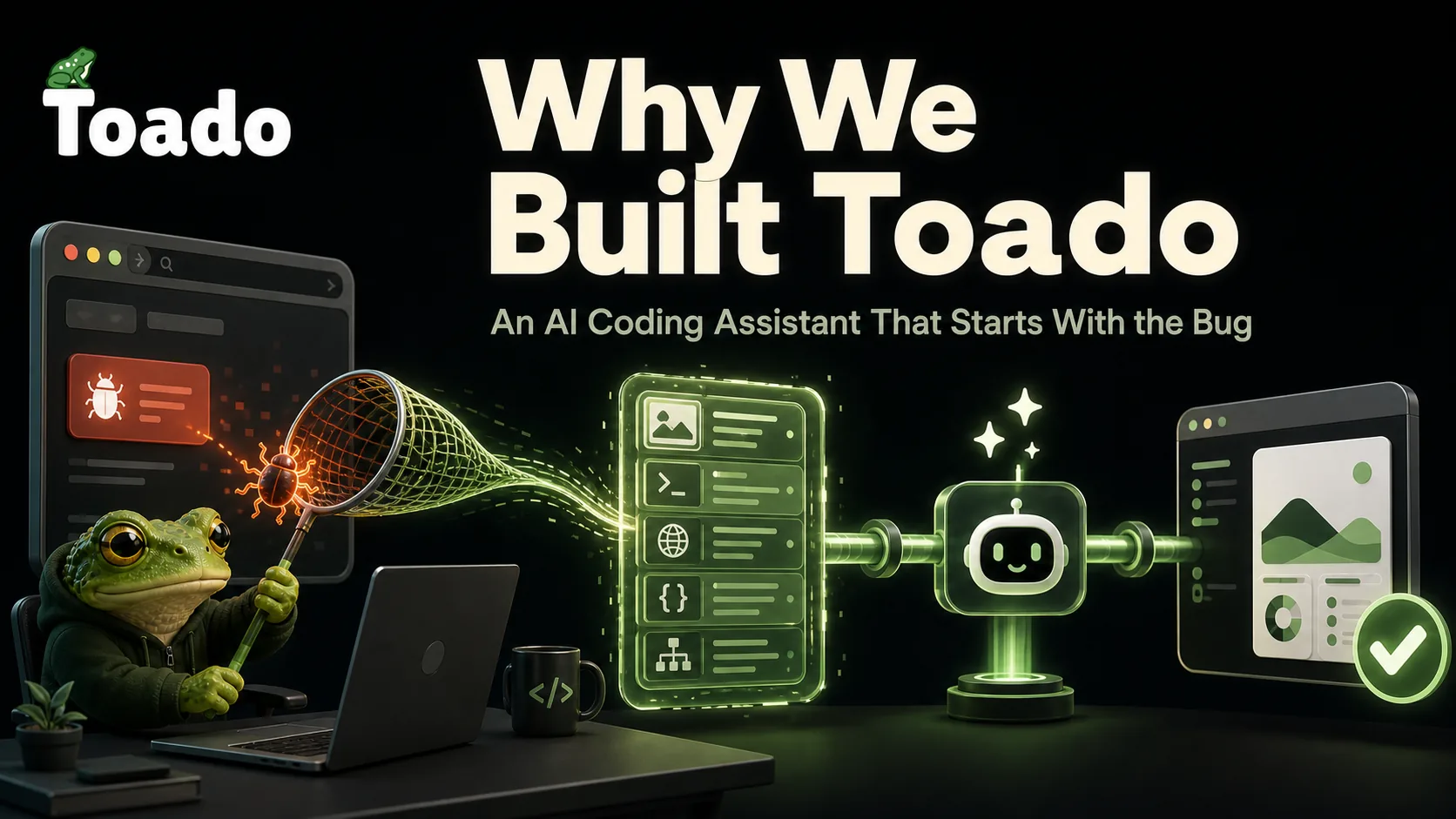
Every bug tracker on the market treats screenshots and console logs as an afterthought. We built Toado, an AI coding assistant, to treat them as the ticket. If you’ve ever wondered what vibe coding is and how AI-assisted coding actually fits into a real QA workflow, here’s why that difference matters more than you’d think.
It happened for the thousandth time and I finally snapped.
A QA engineer drops a screenshot in Slack. Two-line description. “The button is broken.” An engineer picks it up, can’t reproduce it, asks for the console log. QA doesn’t have the console log, the ticket sits. Days pass, and by the time anyone (or any AI coding agent) actually touches the code, half the useful context has evaporated into the ether.
I’ve spent over 20 years building software businesses. I’ve watched this exact loop play out hundreds of times across dozens of teams. The tools we had were never designed for the way modern teams actually work. They definitely weren’t designed for a world where AI for coding is becoming the norm. So we built something that was.
This is the story of how Toado came to be, what it does differently, and why we made the choices we did.
The Broken Loop
Here’s what a typical bug report workflow looks like.
- QA notices something wrong.
- QA takes a screenshot with their OS shortcut.
- QA drops it in Slack with a vague description.
- An engineer opens the ticket, hunts for the URL, tries to reproduce, cannot repro, and pings QA for the console log.
- QA doesn’t have the console log.
- The ticket sits.
By the time anyone circles back, the description has been rewritten three times. And it still leaves out the network call that actually caused the failure.
Sound about right?
“The button is broken.” That four-word masterpiece of unhelpfulness. I’ve seen it (or something like it) on thousands of tickets over the years. And the problem isn’t just lazy QA people. The problem is also lazy tools.
From what I’ve seen, existing bug trackers are excellent at organizing tickets and terrible at capturing bugs. Existing screenshot tools are excellent at capturing bugs and terrible at organizing tickets. Nothing in between speaks to an AI coding agent in the language it needs.
That’s where Toado lives.
What Makes Debugging the Biggest Timesink
New vibe coders often assume feature development eats up the majority of engineering hours. Anyone who’s been doing this for any reasonable amount of time knows it doesn’t. Debugging does. Not writing features. Not code review. Debugging.
A huge chunk of that debugging time is not spent actually fixing things. It’s spent trying to understand what broke and how to reproduce it. Context-gathering. Detective work. The kind of work that makes talented engineers want to quit.
AI coding agents are changing how teams ship software. Tools like Claude Code, Cursor, and Cline are writing real production code. And those agents are even worse at working with incomplete bug reports than human engineers are.
An AI agent can’t walk over to QA’s desk and ask what happened. It needs structured, complete data handed to it on a silver platter. Nobody was building that platter. So we did.
One Click. Everything Captured.
The core idea behind Toado is stupidly simple. One click captures everything an AI coding agent needs to understand and fix a bug. Not just a screenshot. Everything.
| What Toado Captures | Why It Matters |
|---|---|
| Full-viewport screenshot | Visual context for what the user actually saw |
| Complete console log history | Error messages, warnings, debug output |
| Network HAR with request/response bodies | The API call that actually failed |
| JS error stack traces | Exact location of the failure in code |
| DOM snapshot at capture time | Page structure frozen in the moment |
| URL, viewport size, browser version | Reproduction environment details |
That capture becomes the ticket. It lands on a kanban board your team already understands. No copying and pasting between apps. No “can you also grab the network tab?” No ticket that sits for three days waiting on missing info.
How AI Coding Agents Use Toado.dev
The best vibe coding apps in the world are useless if they can’t access the data they need. We built Toado’s MCP connector to hand the entire ticket, all of it, directly to your AI coding agent.
Here’s what that workflow looks like:
- QA clicks the Toado extension. One click, done.
- The capture becomes a ticket with full context attached.
- Your AI agent (Claude, Cursor, Cline, whatever you use) reads the ticket through MCP.
- The agent sees the screenshot, reads the console errors, examines the network calls, opens a branch, writes the fix, posts a comment on the ticket. Moves it to “In Review.”
- You approve. Done.
That’s what Toado does, and the difference between this and the old Slack-screenshot-hunt workflow is night and day, at least it is for me and my team.
MCP-Native Was Non-Negotiable
We could have built yet another bug tracker with a “webhook to your AI agent” feature bolted on. Plenty of teams would have accepted that. But we would have been building yesterday’s product.
Instead, we built the MCP server first and the UI around it. This was a deliberate, opinionated choice, and I want to explain why.
MCP (Model Context Protocol) means that any MCP-compatible agent has the same read-and-write access to your tickets that your team does. Claude Code, Claude Desktop, Cursor, Cline, Continue, whatever comes next. No integration to babysit. No API keys to rotate. No middleware breaking at 2 AM.
The result is that agentic coding becomes a first-class participant in your bug-fixing workflow, not an awkward afterthought connected by duct tape and prayers.
Claude Code Review: What It Looks Like in Practice
When a ticket lands with full context attached, Claude code review becomes useful rather than a guessing game. The agent reads the stack trace, cross-references the network HAR, and proposes a targeted fix, not a broad sweep of changes that might introduce new issues. That’s the difference structured bug data makes when you’re working with a solid model.
What We Got Wrong (And Right)
This was harder than I thought it was going to be by a long shot. We messed up a lot before we got it all hammered down. Here are some of the things we didn’t see coming:
The Chrome Extension Rabbit Hole
Building a Chrome extension in 2026 is its own special kind of pain. OAuth in a Manifest V3 extension deserves its own novel. (I might write that blog post eventually. It will be long and full of suffering.)
The security model is strict, the documentation is spotty in places, and every edge case feels like it was designed by someone who actively dislikes extension developers. But we pushed through it because the extension is what made the one-click capture possible. Without it, you’re back to screenshots and copy-pasting console output, and that wasn’t what we wanted or what we thought you would want.
The Temptation to Build a Full Project Management Tool
Early on, we had to resist the urge to build another Jira. Feature creep is a silent killer when building developer tools. Every week someone on the team would suggest “what if we added sprint planning” or “what about time tracking?” Nope. Not this time around, scope creeper.
Toado captures bugs and feeds them to AI agents. That’s it. The kanban board exists because teams need to see and manage their tickets. We’re not building a project management suite, we’re building the best vibe coding tools integration and bug capture pipeline that exists. That’s it.
What We’d Do Differently
If I could go back, I’d have started with the MCP server even earlier. We spent some initial weeks exploring a more traditional API-first approach before committing fully to MCP-native architecture. That time wasn’t wasted (we learned a lot about what developers actually need from agent integrations), but the conviction should have been there from day one. I also would have started with an element viewing and grabbing feature like react-grab right out the gate. We may implement something like that sooner than later as well.
Who This Is For
Toado is built for teams that are already using (or planning to use) AI coding agents as part of their development workflow. If you’re exploring vibe coding and how AI for coding fits into your process, Toado is designed to be the missing piece. It’s the layer that makes sure your agents always have the context they need to do their best work. It also removes the wait for Claude. You don’t have to enter data and wait, then enter and wait. You just debug and let Claude fix in the background. That alone saves me probably hours per week of time.
Why Toado.dev?
Bug tracking has been broken for years. AI coding agents shine a light on that brokenness:
- Context is everything. A bug report without console logs, network info, and environment details isn’t a bug report. Think about it. It’s a guessing game.
- AI agents need structured data. They can’t work with a vague “the button is broken.” They need the whole story in a format they can use.
- MCP-native architecture matters. Relying on webhooks and API integrations is outdated. Direct access through MCP is the future.
- One-click capture isn’t optional. If capturing context requires manual steps, it won’t happen consistently. Make it easy or get stuck with incomplete data for good.
We built Toado to end the frustration of watching talented engineers waste time on problems that better tools can fix. AI coding agents deserve better inputs than a blurry screenshot and a hope. Go find a bug and save some time. That’s what Toado is for.