

Everything inside Toado.
Pick a feature from the list or scroll. Each one is shipped, not promised.
Chrome extension capture
Everything Claude needs, in one click.
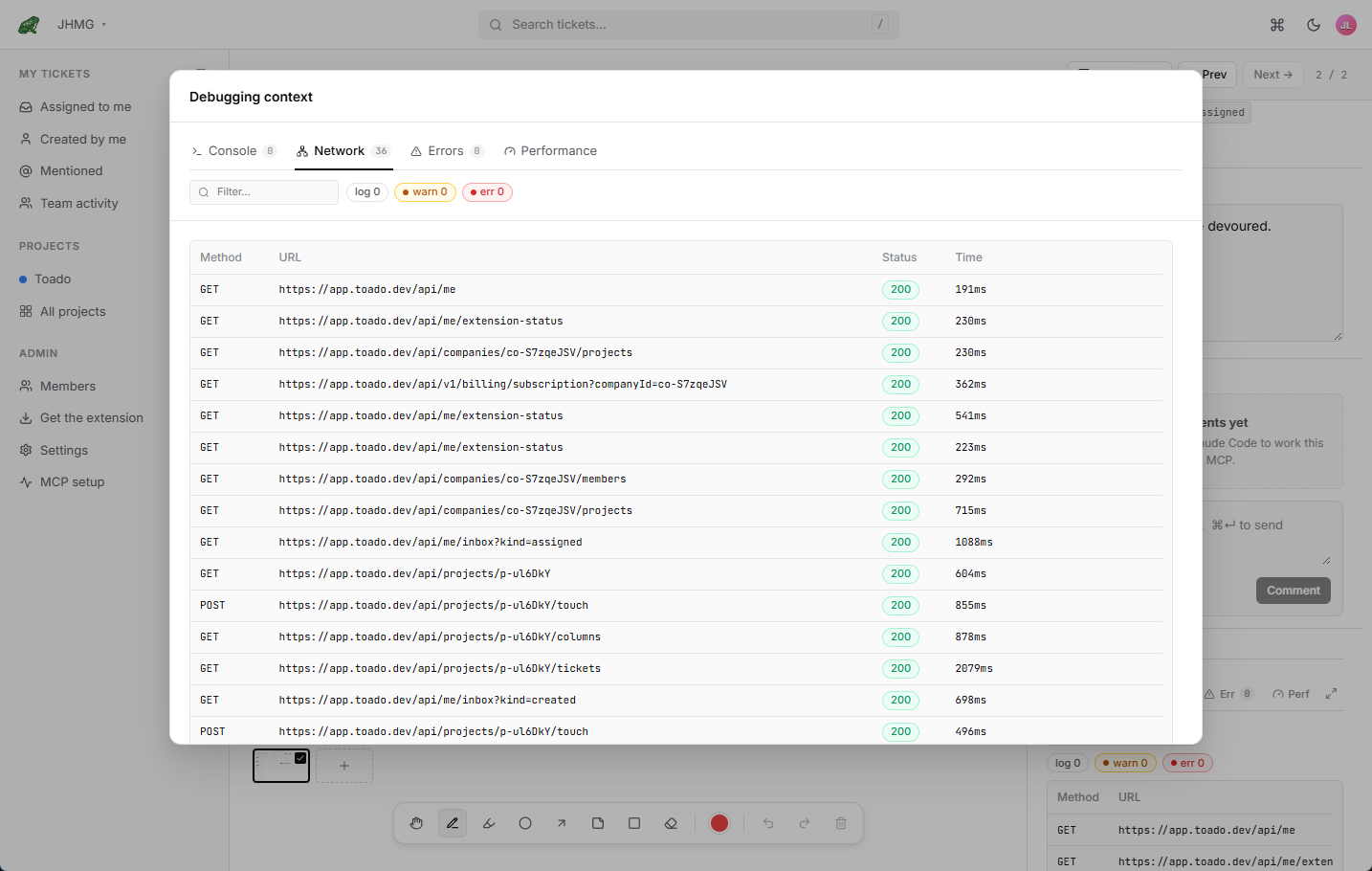
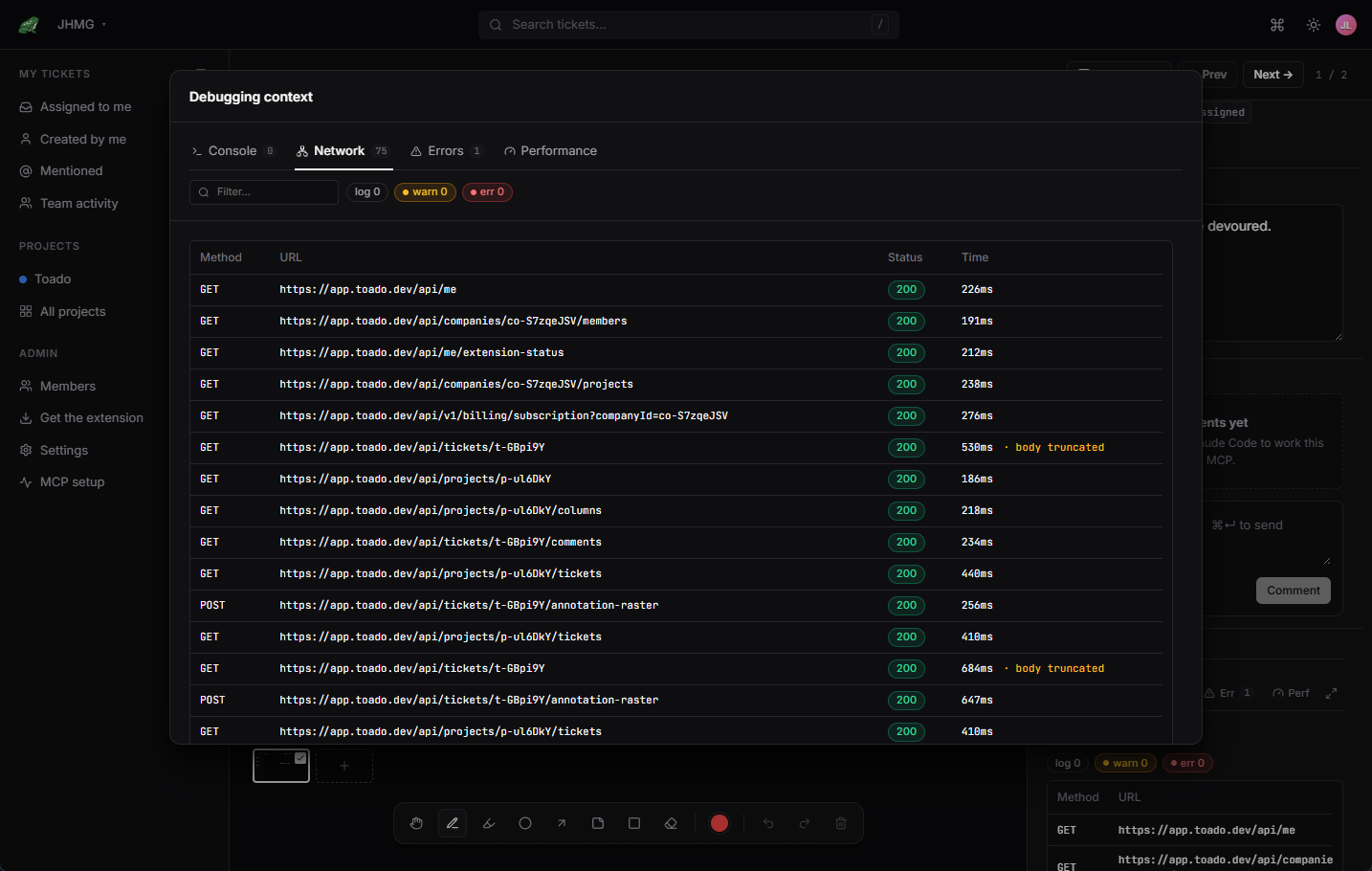
Open the Toado Chrome extension on the broken page and hit capture. Toado grabs the full-viewport screenshot, console logs, network HAR, JS errors, Core Web Vitals, the URL, and a DOM snapshot. OAuth 2.0 + PKCE means no copy-pasted API keys and no plaintext secrets sitting in your repo.
- Full-viewport screenshots with retina pixel density
- Complete console log history (warnings, errors, custom logs)
- Network HAR with request/response bodies
- JS error stack traces
- Core Web Vitals snapshot (LCP, CLS, INP)
- Full DOM snapshot at capture time
- Works on localhost, staging, and prod

Walkthrough recording New
Talk through the bug. Toado writes the tickets.
Narrated screen or voice recording, up to 30 minutes on a paid plan and 5 minutes on the free plan, that resolves into one ticket per marked moment. Transcription runs after the recording ends and the tickets file themselves once it settles.
- One ticket per pin, filed automatically when processing finishes
- Screen-and-narration or narration-only, per person or per project
- Up to 30 minutes per walkthrough on a paid plan, 5 minutes on free
- Transcript kept with the ticket on every plan
- Video kept 7 days on Free, 45 days on Personal, 45 days on Team, 365 days on Business, 730 days on Enterprise by default
- Recording is private to you until the tickets are created
On-page pins New
Pin the exact element. The marker stays put.
A bug attached to a DOM node rather than to pixel coordinates. The anchor survives page changes, the marker is visible to the whole team on the live page, and the same pin works standalone or inside a recording.
- Alt+C to pin from any page, including localhost
- Screenshot plus the anchored element, found again after the page changes
- Persistent markers show open tickets on the page
- Assign as you pin; the composer remembers your last assignee
- Pins belong to the screen they were placed on, including tabs and dialogs at one URL
- Bug, Improvement, New feature, and custom ticket types with distinct markers
In-product reporting
Let customers report the bug from the page where it happened.
Install one project-specific script and Toado adds a configurable reporting experience to your product. External reporters need no account. Their description, screenshot, page context, console errors, and network evidence become a ticket in the project you choose.
- Record what you see, point to the problem, or send a written report
- Visitor video with optional voice, review before sending, and one report per pin
- Paid visitor recording where enabled, on desktop Chrome and Edge
- Setup wizard, custom launcher images, and Match my site styling
- No Toado account or extension required for external reporters
- Standard and opt-in deep capture modes
- Custom theme, icon, dialog copy, fields, and mobile behavior; optional extension link for teammates
- Origin controls, CAPTCHA, rate limits, CSP guidance, and key rotation
- Installation detection and cross-project owner overview
Annotate
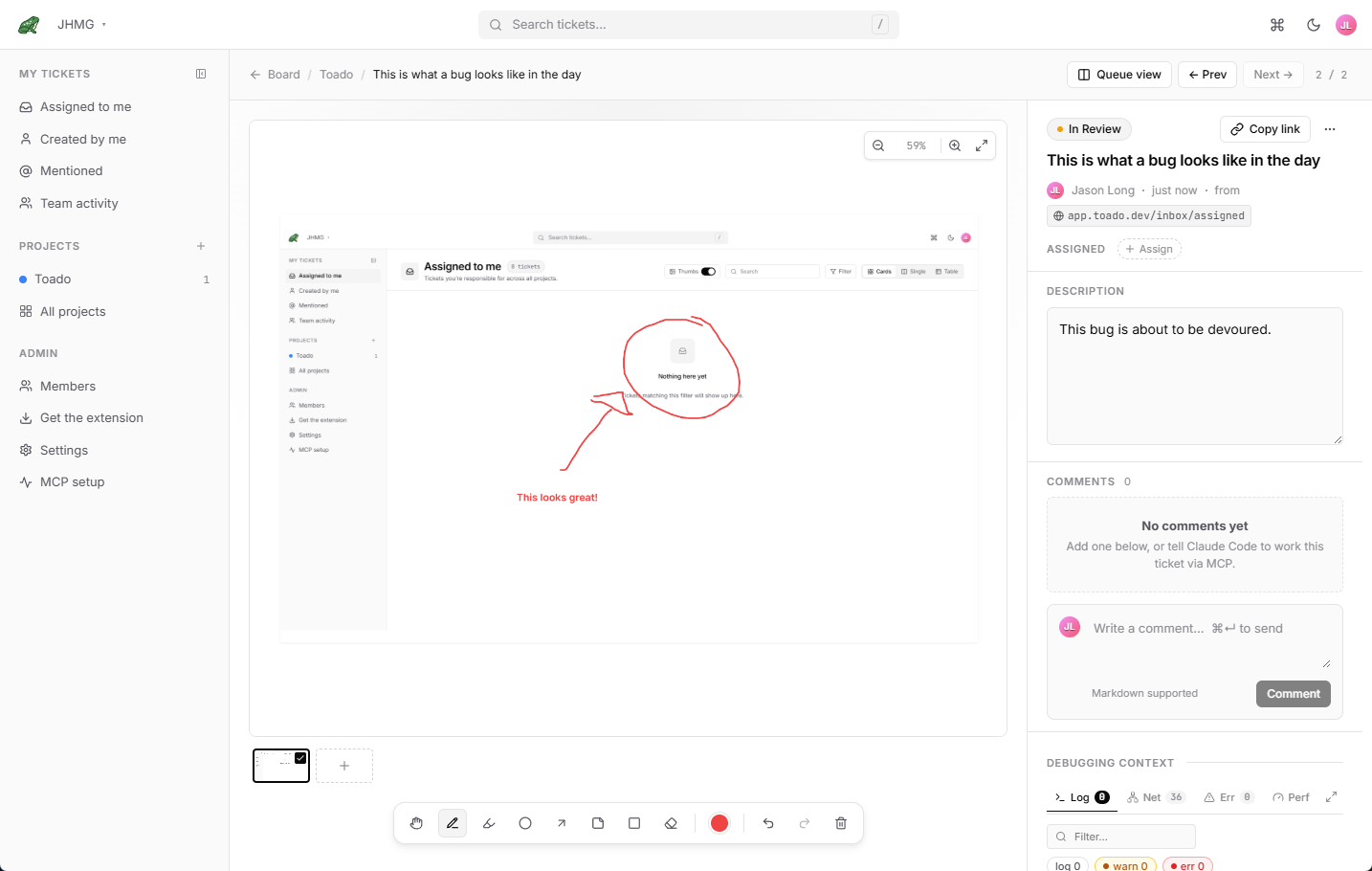
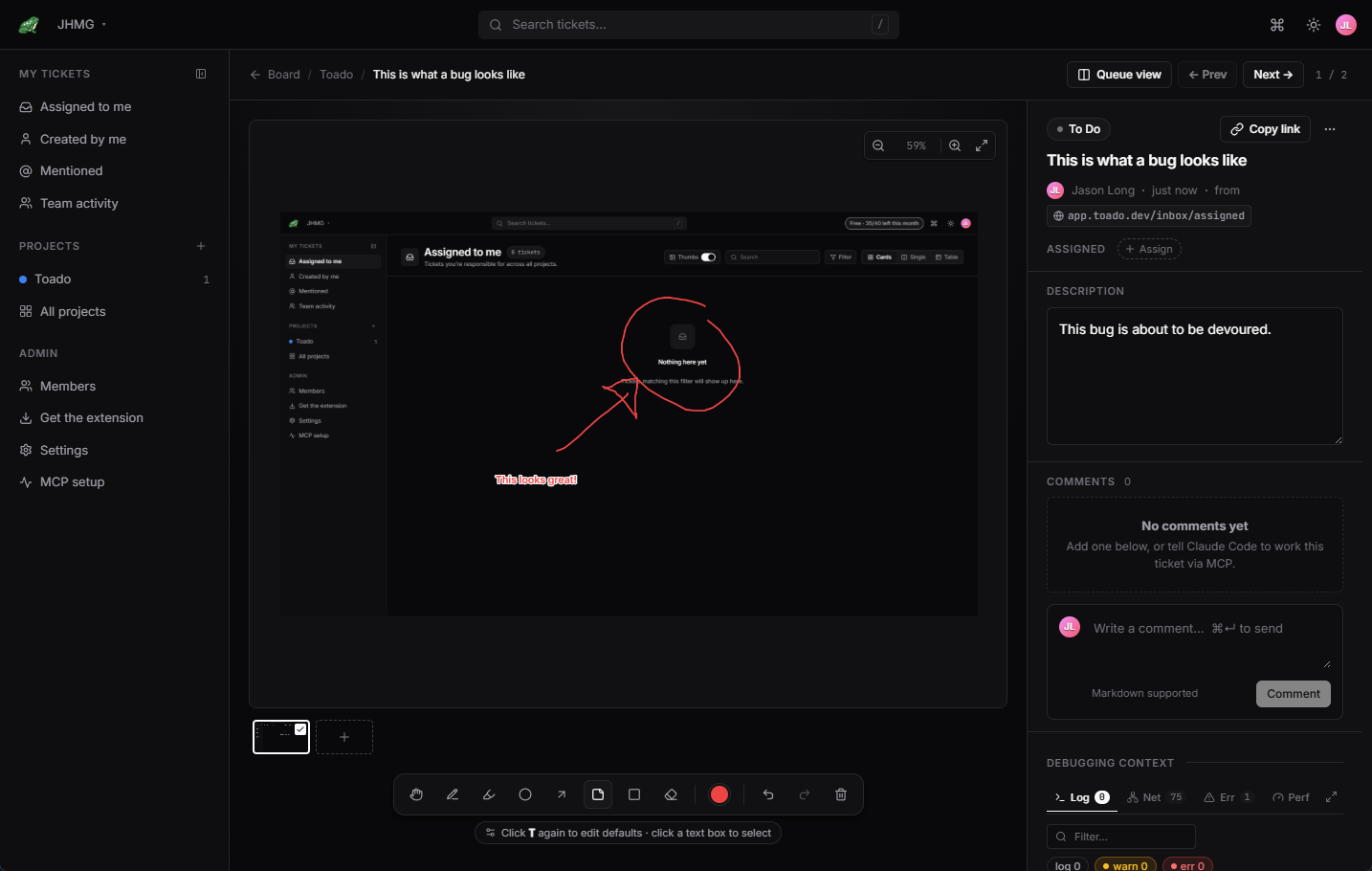
Draw on the bug. Show Claude exactly what you see.
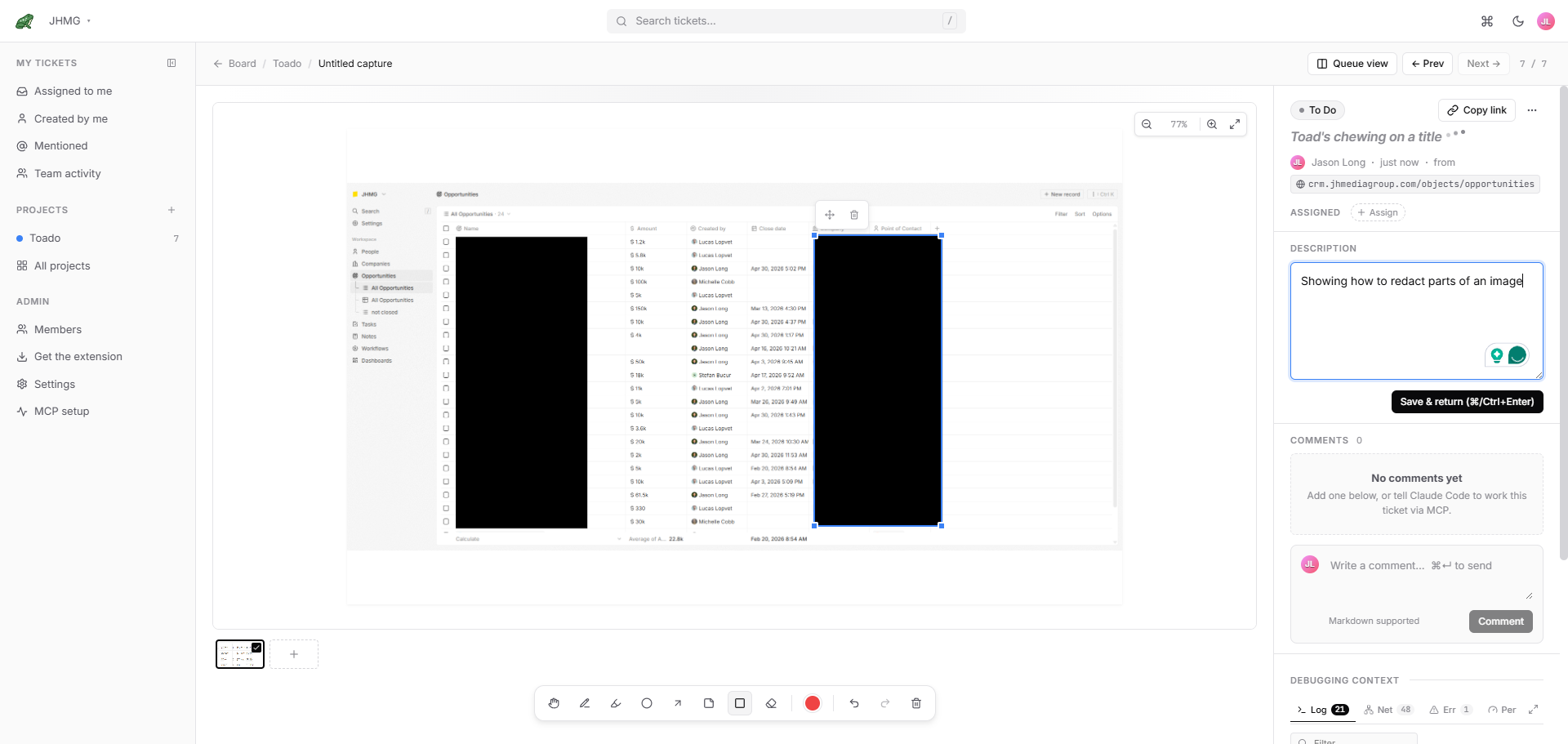
Pen, highlighter, arrow, circle, text, and redaction. Seven-color
accessibility-tuned palette. Annotations are stored as vector shapes, so
your agent can read them as coordinates with get_annotations
and see the rasterized overlay with get_capture_asset.
- Pen, highlighter, arrow, circle, text, redaction (black-out)
- 7-color palette tuned for contrast and color-blind accessibility
- Keyboard shortcuts for every tool
- Shapes stored as vectors, readable by your agent over MCP
- Rasterized overlay kept alongside the original screenshot
Web app dictation New
Describe the bug out loud.
The description field on every ticket has a dictation button. Click it, talk, and the words land at your cursor. It uses your browser’s own speech recognition, so it is instant and works in Chrome and Edge. For multi-bug narration that becomes several tickets at once, use walkthrough recording instead.
- Dictate straight into the ticket description
- Text lands at the cursor, so you can mix typing and talking
- Browser speech recognition, no upload to Toado for this feature
- Chrome and Edge
Triage
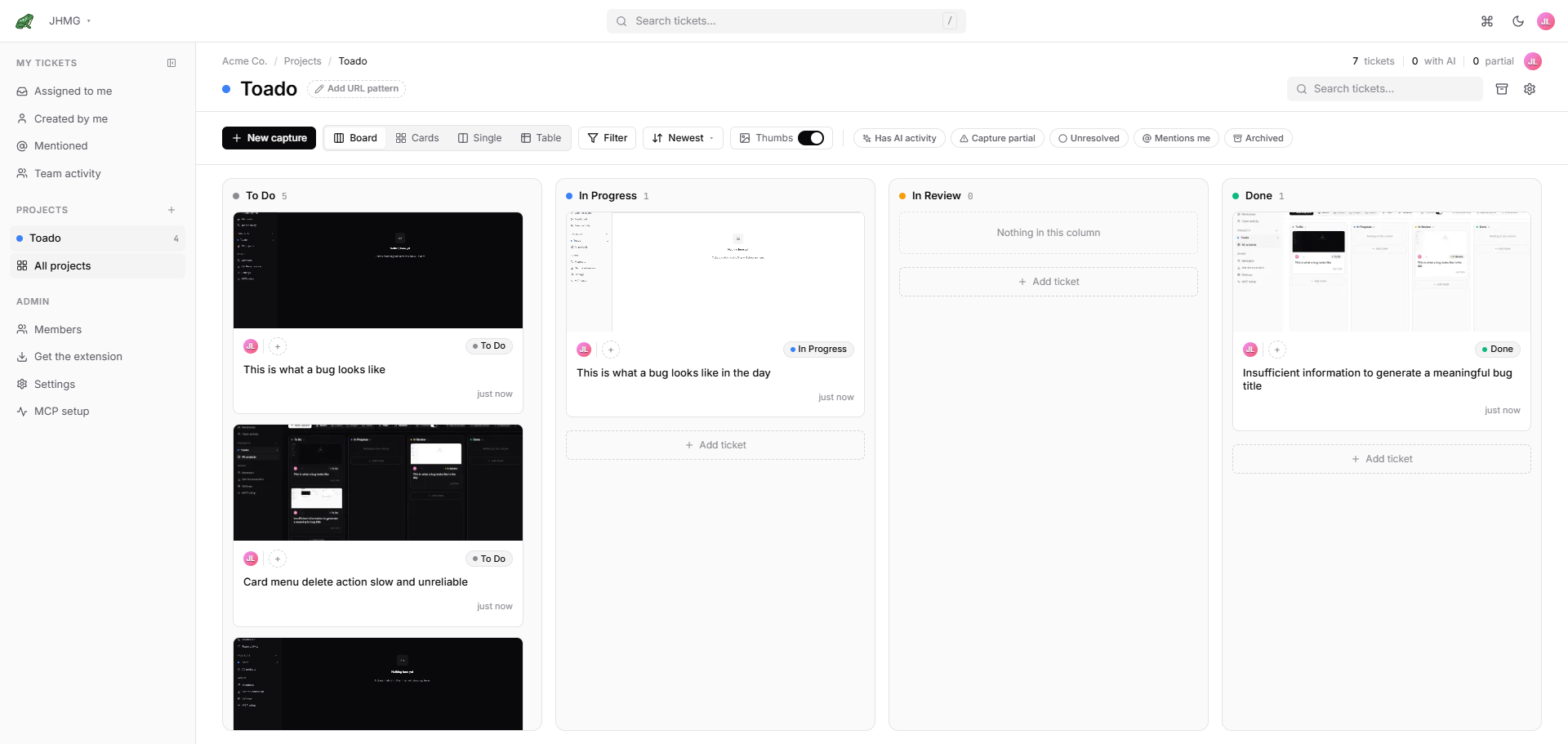
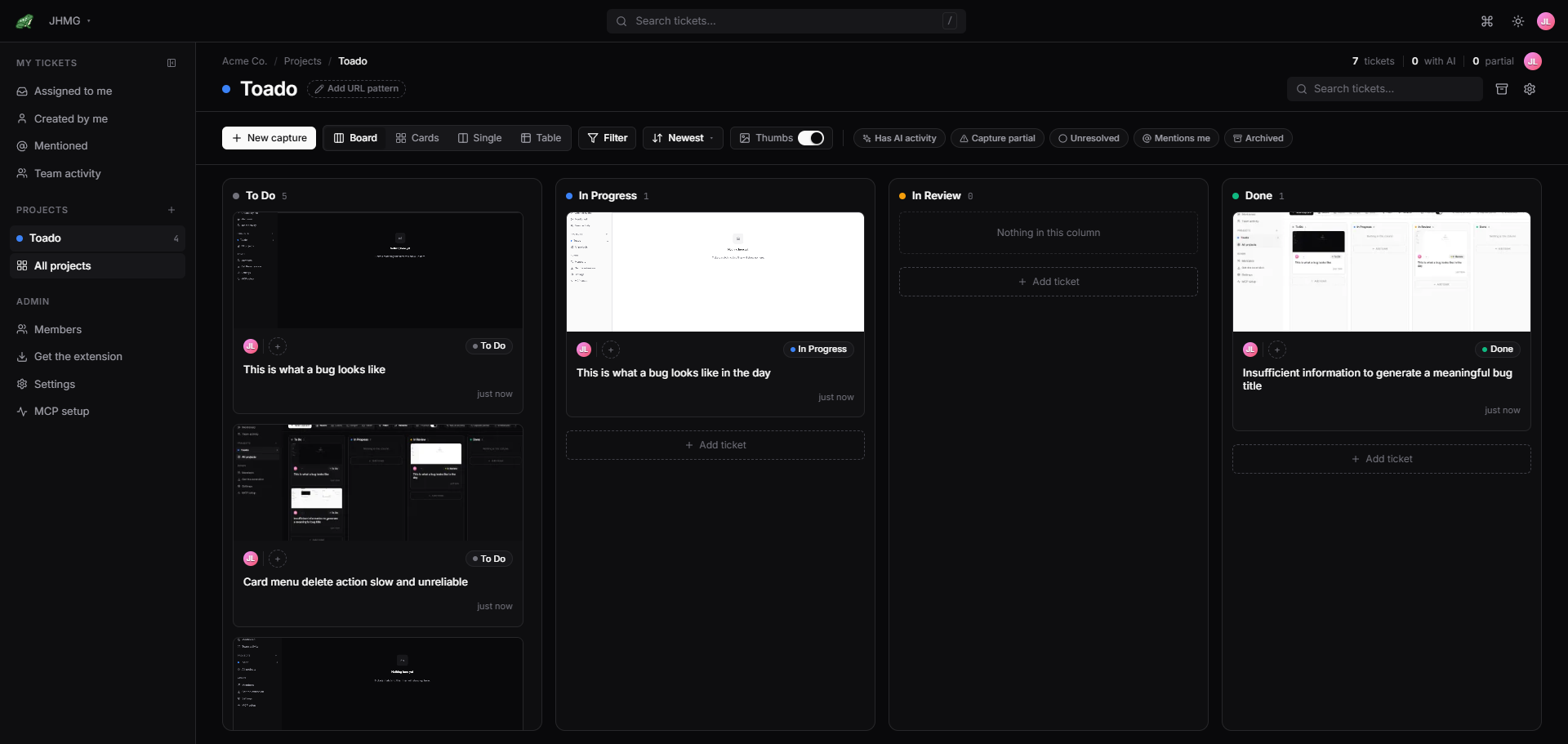
A real kanban board. Not a spreadsheet pretending.
Configurable columns (default: To Do, In Progress, In Review, Done). Real-time updates over WebSocket, no refresh. @mentions, threaded comments, and an audit trail on every ticket. Multiple projects per company, multiple companies per user. Drag, drop, done.
- Configurable kanban columns per project
- Real-time updates via WebSocket
- @mentions with in-app and email notifications
- Threaded comments with markdown
- Multi-project, multi-company hierarchy
- Full audit trail on every ticket
AI agent handoff
Hand the bug to your AI coding agent.
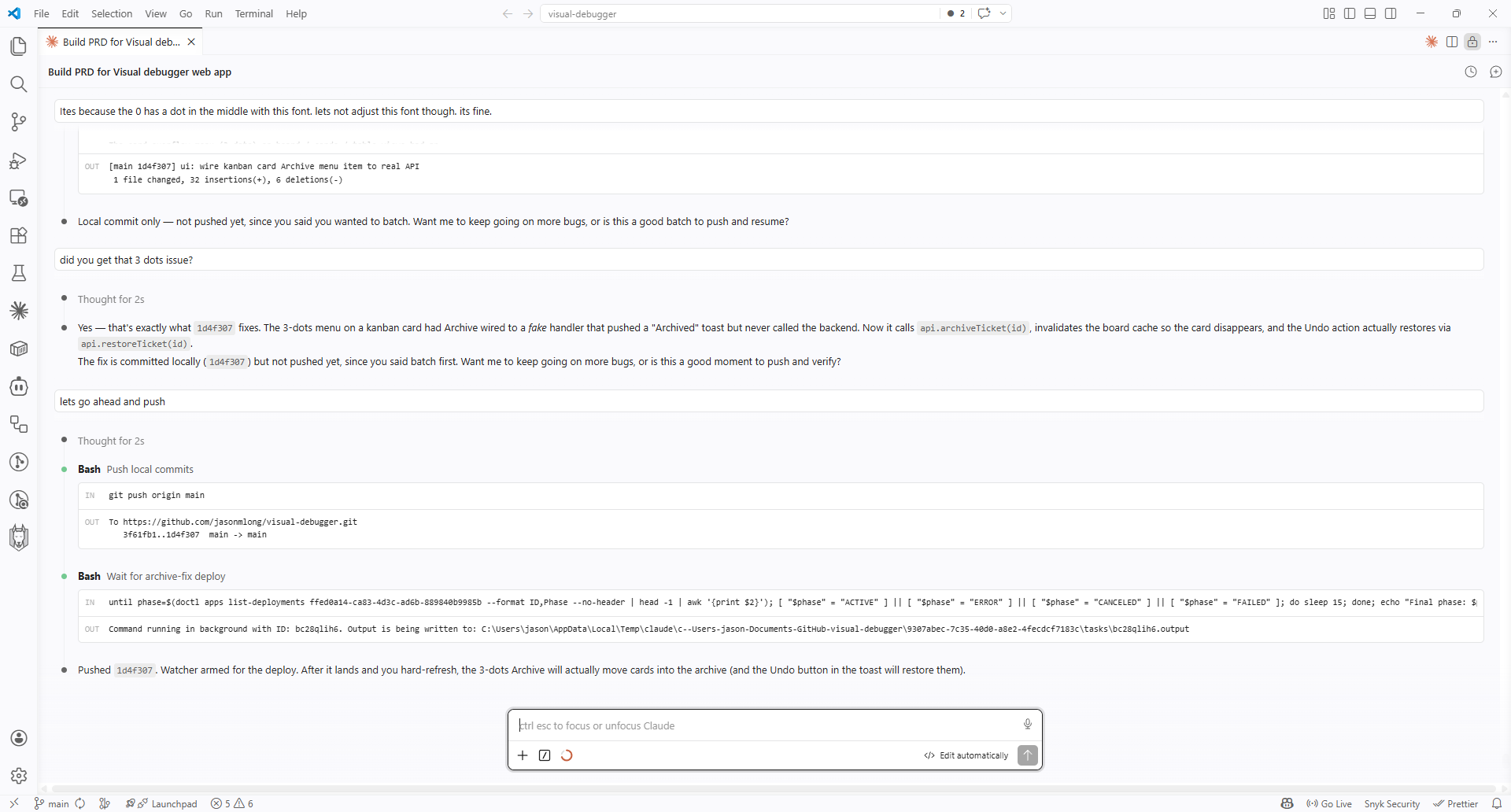
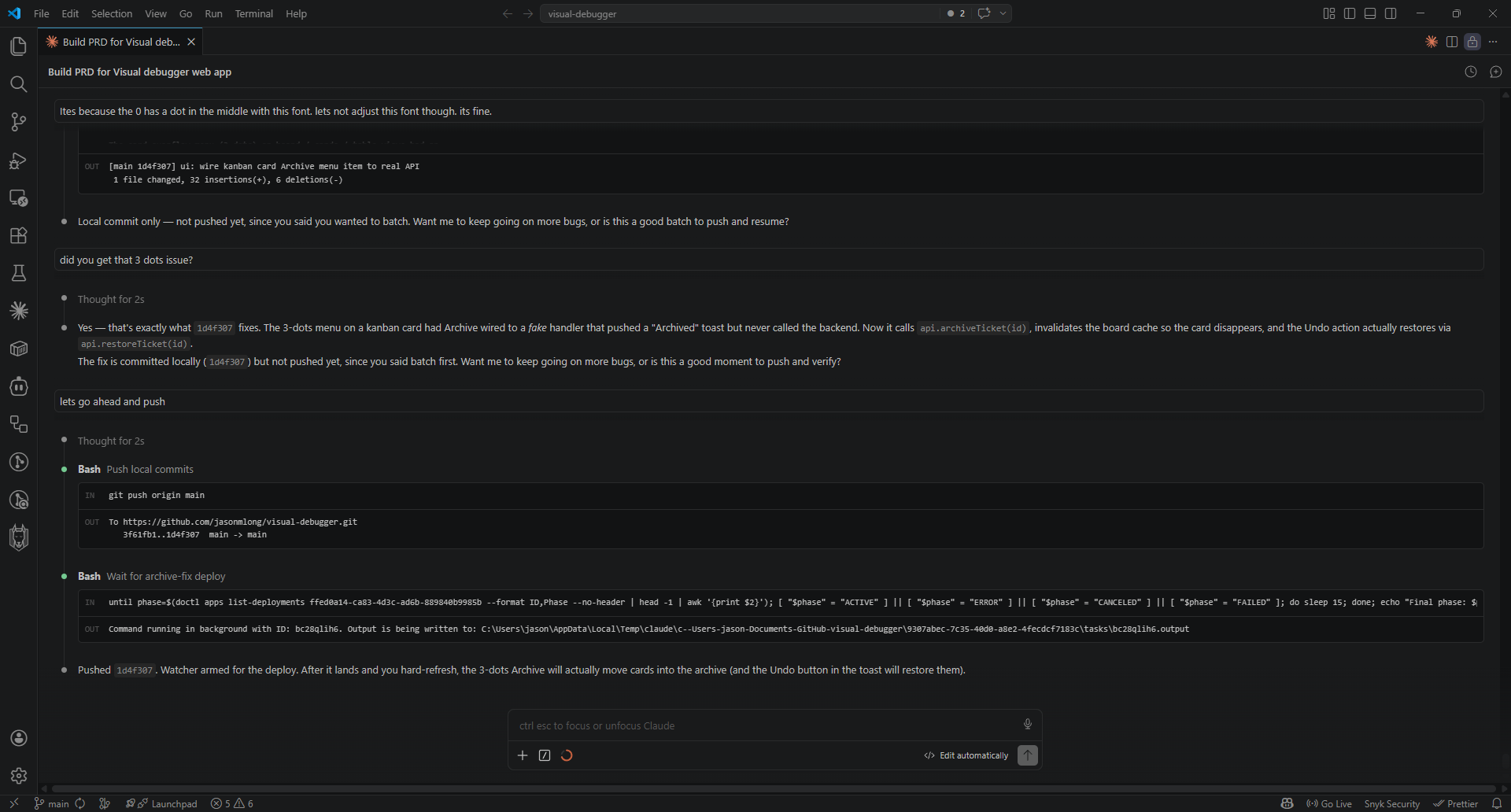
An MCP server with 34 tools wired straight into your kanban. Your agent reads the ticket and its transcript, pulls the screenshot and walkthrough clip, reads the console errors, opens a branch, writes the fix, comments on the ticket, and moves it to In Review. You approve. Works with Claude Code, Claude Desktop, Cursor, Cline, Continue, and any MCP-compatible client.
- 34 MCP tools: get_ticket, get_capture_asset, get_annotations, add_comment, move_ticket, start_work_on_ticket, and more
- Project-scoped access, auditable calls
- Bearer-token auth scoped per project; revocable from settings
- Rate-limited (10 req/sec default, 1 req/sec on sensitive endpoints)
- Every MCP call audit-logged for compliance review
Pre-built agent skill New
A skill that already knows how to work your board.
You do not have to teach your agent the workflow. Download the Toado
triage skill from your settings, drop it in .claude/skills/,
and Claude Code picks it up. Then you can say “fix t-XXXX” or
“work the To Do queue” in plain English and it knows what the
columns mean and how much context to load.
- Fix one ticket, or sweep a whole To Do column
- Verify the In Review queue and move what passes to Done
- Build tests for a tests-needed column
- Keeps the board honest: In Progress while working, Response Required when blocked
- Loads the smallest context that lets it act, rather than the whole capture
- Drafts you have not handed off are filtered out server-side
Integrations New
Send a ticket to Jira with the evidence attached.
Where Jira is enabled for your workspace, connect Atlassian, choose your site, and map each Toado ticket type to a Jira issue type. Send one ticket, select a batch, or enable automatic sending for eligible new tickets. Where linked status updates are enabled, Done and reopened issues update the linked Toado ticket; mapped type changes go from Toado to Jira.
- Included on Team, Business, and Enterprise
- Owner-controlled site connection and per-project issue-type mappings
- Annotated screenshots, walkthrough clips where they fit, and page context
- Optional auto-send with ticket-type and widget-report rules
- Where enabled: Jira Done and reopened status back to Toado; mapped types sent to Jira
- Comments and assignees do not sync; Toado moves do not change Jira status
Your next action New
See what needs you before opening every board.
A workspace dashboard brings together tickets needing your attention, work to pick up, fixes ready to review, quiet tickets, and agent activity.
- Attention and review queues in one place
- Your numbers and recent agent activity
- Board, Cards, Single, and Table views for project triage
Patterns and progress New
Find recurring problems and see how fixes move.
Reports on Team, Business, and Enterprise compare ticket trends, page and error hotspots, recurring patterns, and time to fix. Filters stay in the link, and each person sees only the projects they can access.
- Tickets, Patterns, and Team reports
- Compare periods and export report data as CSV
- Workspace usage and connected systems remain available to owners on every plan
Privacy
Strip credentials before the capture leaves your browser.
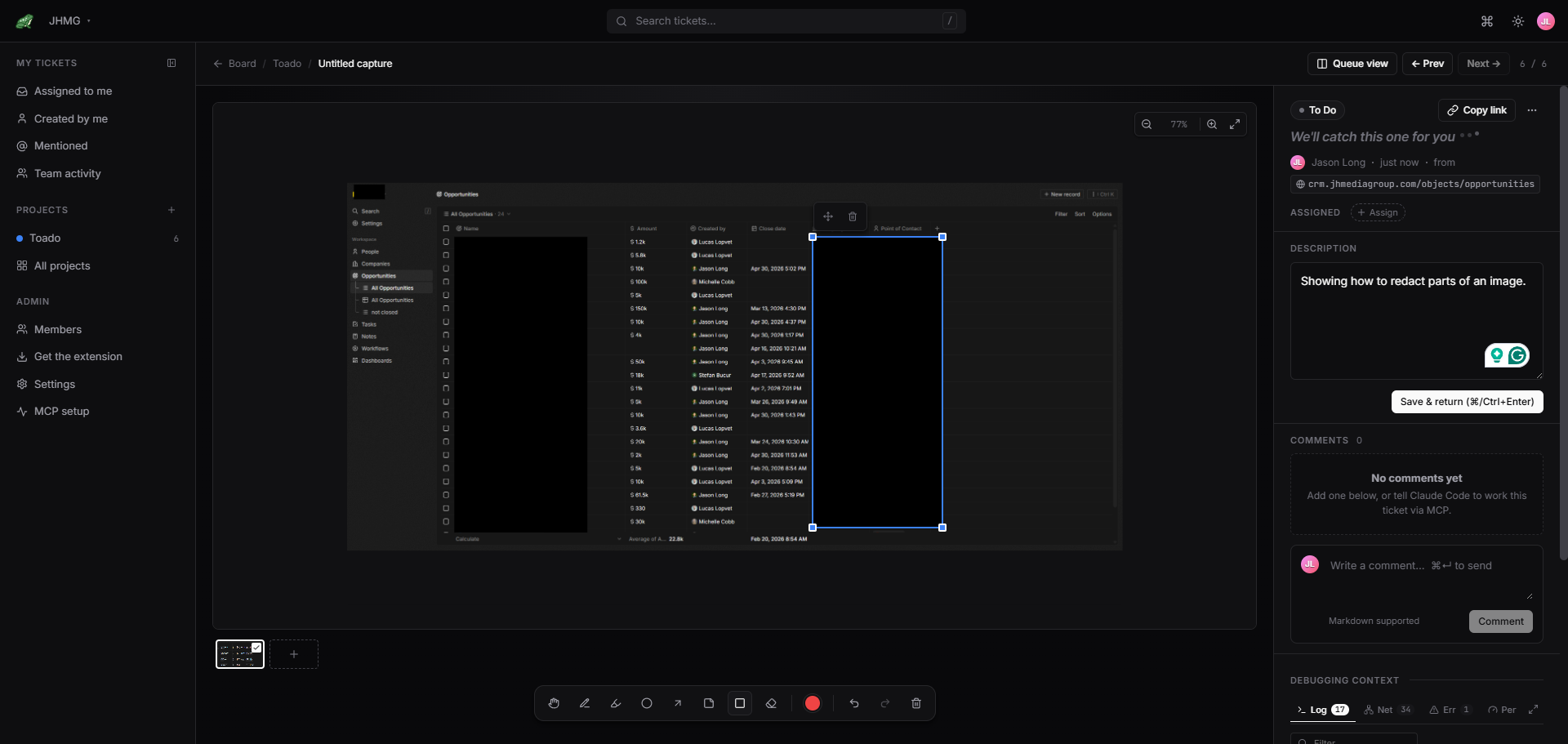
Sensitive HTTP headers (Authorization, Cookie, X-API-Key, webhook signature headers, etc.) and credential-style URL query parameters (token, access_token, api_key, etc.) are stripped on your local machine before any capture leaves the browser. The same rules run again server-side as a defense-in-depth check. Need to hide a region of the screenshot itself? Drop a black-out box over it with the redact tool on the ticket page.
- Sensitive headers stripped pre-upload (Authorization, Cookie, Set-Cookie, X-API-Key, webhook signatures)
- Credential-style URL query parameters and fragments stripped pre-upload
- Same rules re-applied server-side as a defense-in-depth check
- Configurable additional headers via the extension’s Options page
- Black-out region redaction available in the ticket-page annotation tools
Live
Changes show up without a refresh.
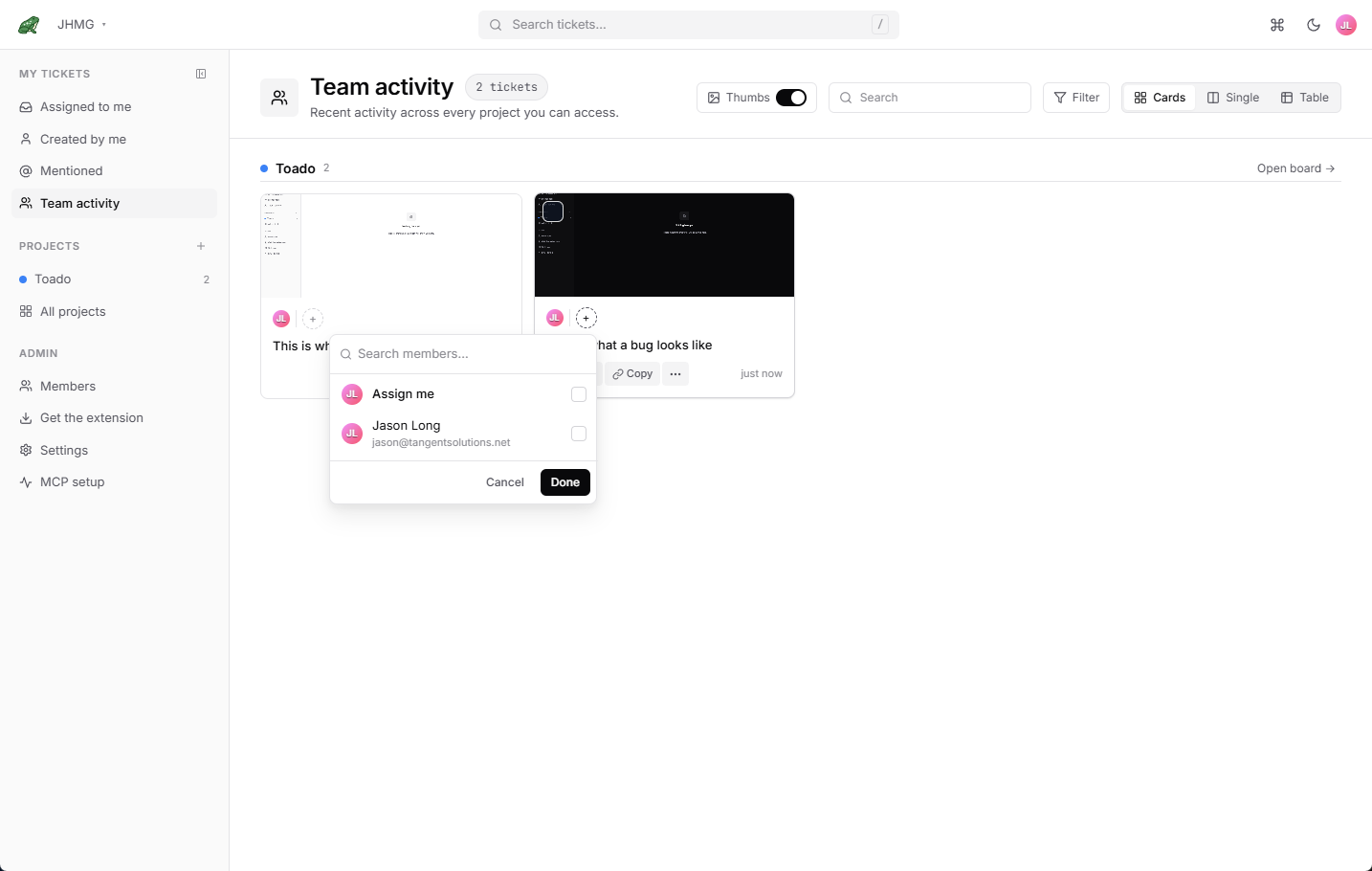
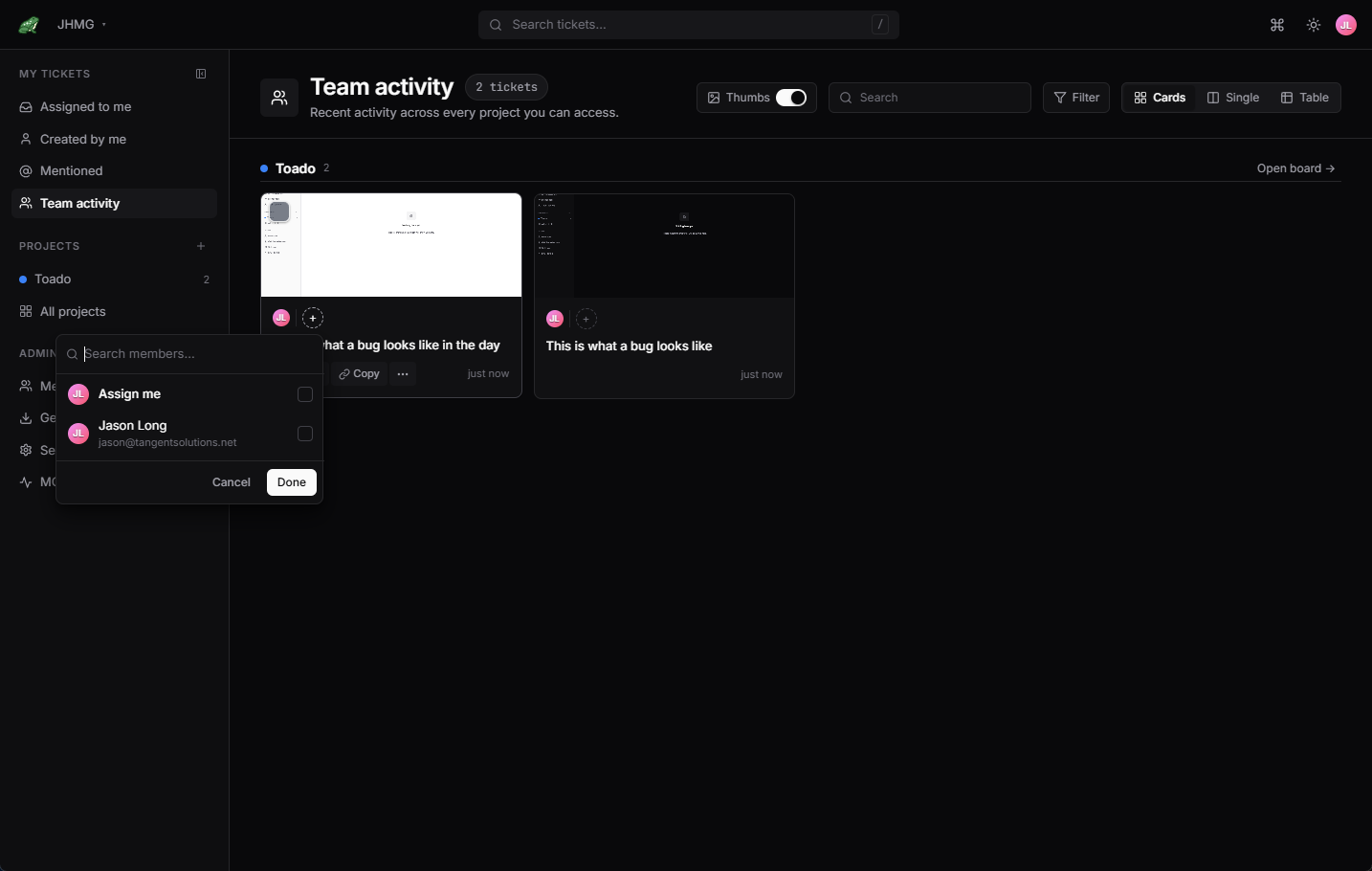
Ticket moves, new comments, assignments, and capture-ready pings fan out instantly to every Toado tab in your company. WebSocket-backed, Redis-replicated across API instances, no polling, no refresh button, no wondering whether someone else already took the bug.
- Ticket moves sync across every open board
- New comments appear in-thread immediately
- Assignment changes broadcast to the whole team
- Capture processing (screenshot, console, network) reports back when ready
- Consistent across multi-instance deployments via Redis pub/sub
Multi-tenant
Multiple companies. Multiple projects. One account.
Consultancies and agencies: one Toado login, many client companies, each isolated from the others. Every company can have many projects. Role-based permissions cascade, with project-level overrides for contractors and guests.
- Unlimited companies on the Team plan
- Unlimited projects per company
- Owner, member, and viewer roles, and viewers do not use a paid seat
- Project-level permission overrides
- Per-company billing on request
Start on the free plan.
No card. No timer. If you like it, keep going.
New to Toado? Watch the end-to-end setup walkthrough.