
Capture
Click for a full capture, pin the exact element, or record a walkthrough and talk. Customers can report from the widget without an account. Toado grabs the evidence while the problem is on screen.
Capture a screenshot, pin the broken element, or record a walkthrough and just talk. Toado turns it into tickets with the evidence attached and gives your AI coding agent the context to ship the fix.
Free plan, 40 tickets a month, no card. Walkthrough recording is new and included on every plan.
The whole point of Toado: turn a bug you just saw into a pull request you just approved, without a single copy-paste.
Click for a full capture, pin the exact element, or record a walkthrough and talk. Customers can report from the widget without an account. Toado grabs the evidence while the problem is on screen.
Tickets land in the right project. Recorded walkthroughs arrive already split into one ticket per pin. Review external reports in intake, assign, and move through your workflow.
Claude Code picks up the ticket via MCP, reads the transcript and screenshot, writes the fix, and moves it to In Review. You approve. Done.
Press Record, use the app, and drop pins while you talk. Toado writes one ticket per pin from what you said, so the sixth bug in a session gets filed instead of forgotten.
See walkthrough recordingA circle on a screenshot points at pixels. A pin points at the element, so your teammate and your agent both know which one you meant, even after the page changes.
How pins workAdd one project-specific script. Customers submit a screenshot, description, console errors, and page context without a Toado account. Reports land directly on your board.
Explore the bug report widget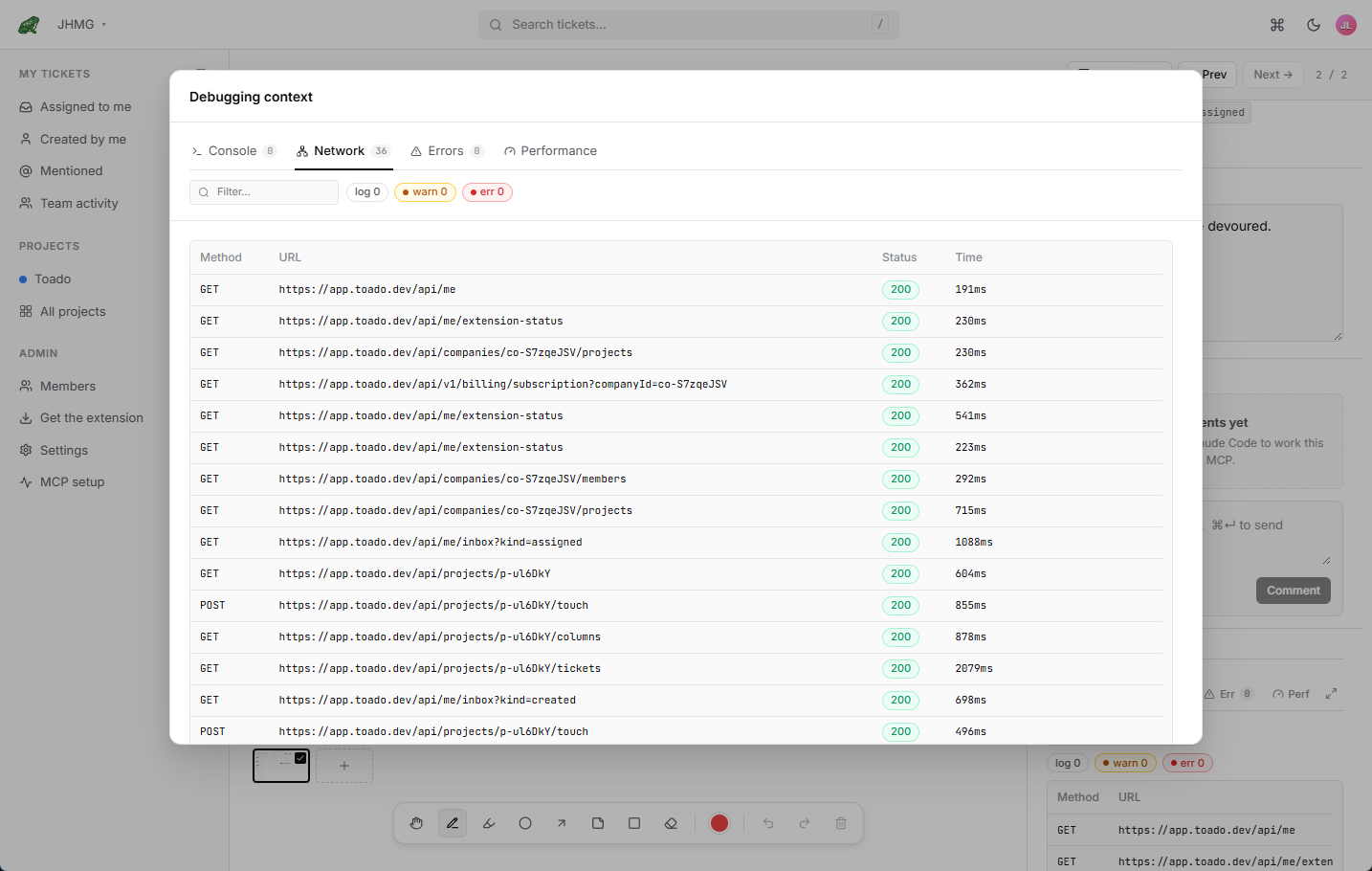
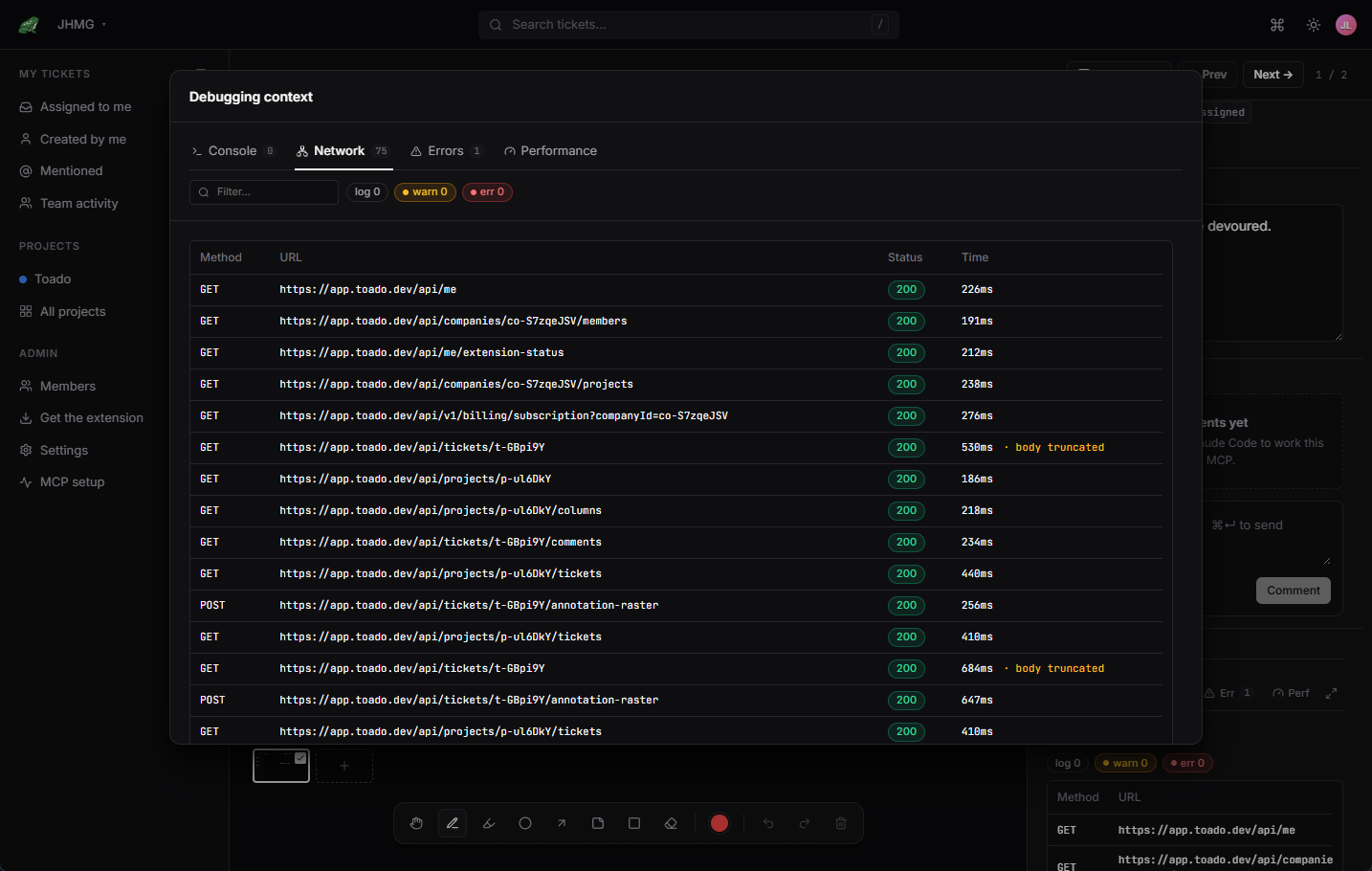
Full viewport screenshot plus console logs, network HAR, JS errors, Core Web Vitals, the URL, and a DOM snapshot. OAuth 2.0 + PKCE, no copy-pasted API keys.
How capture works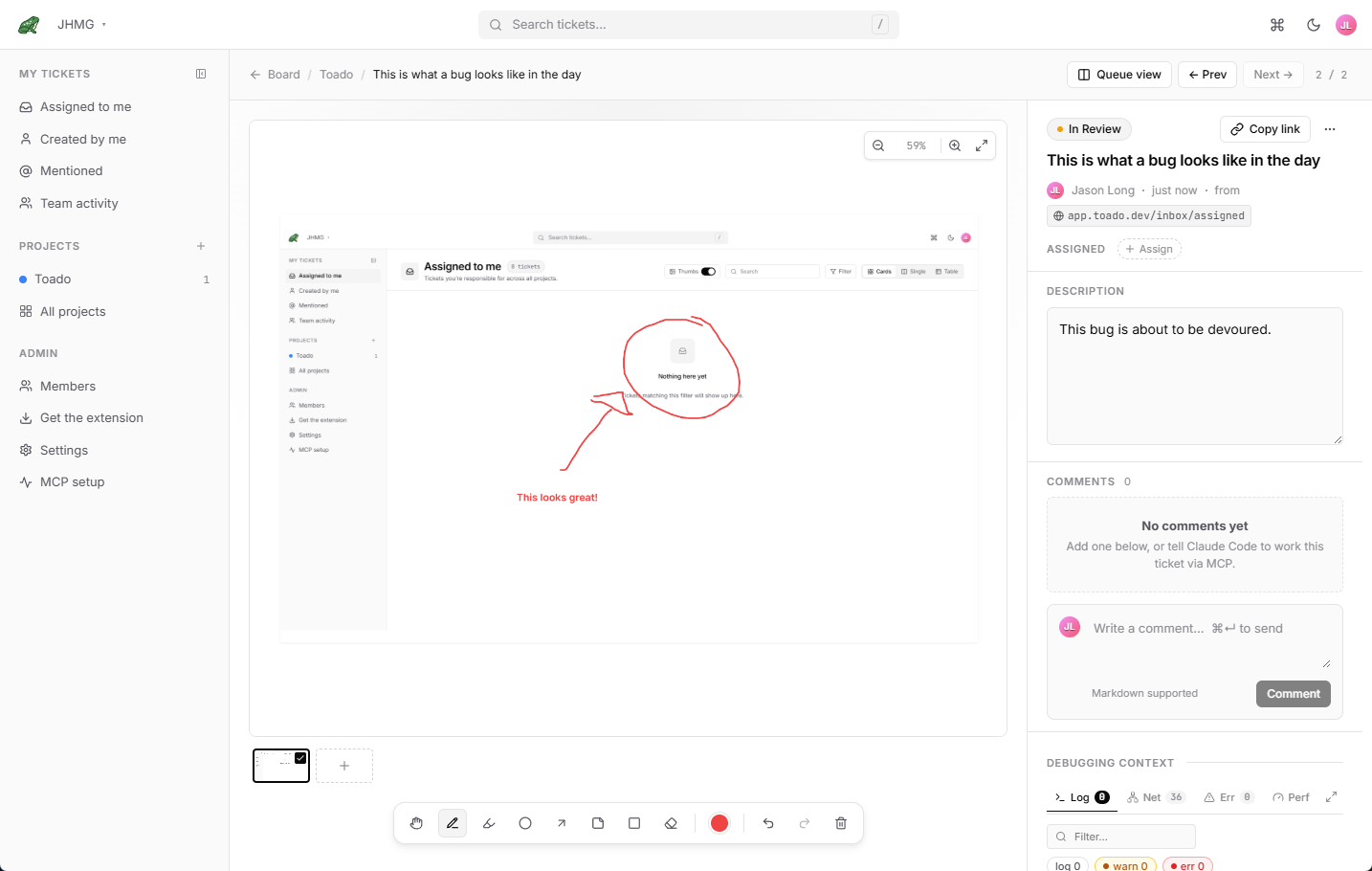
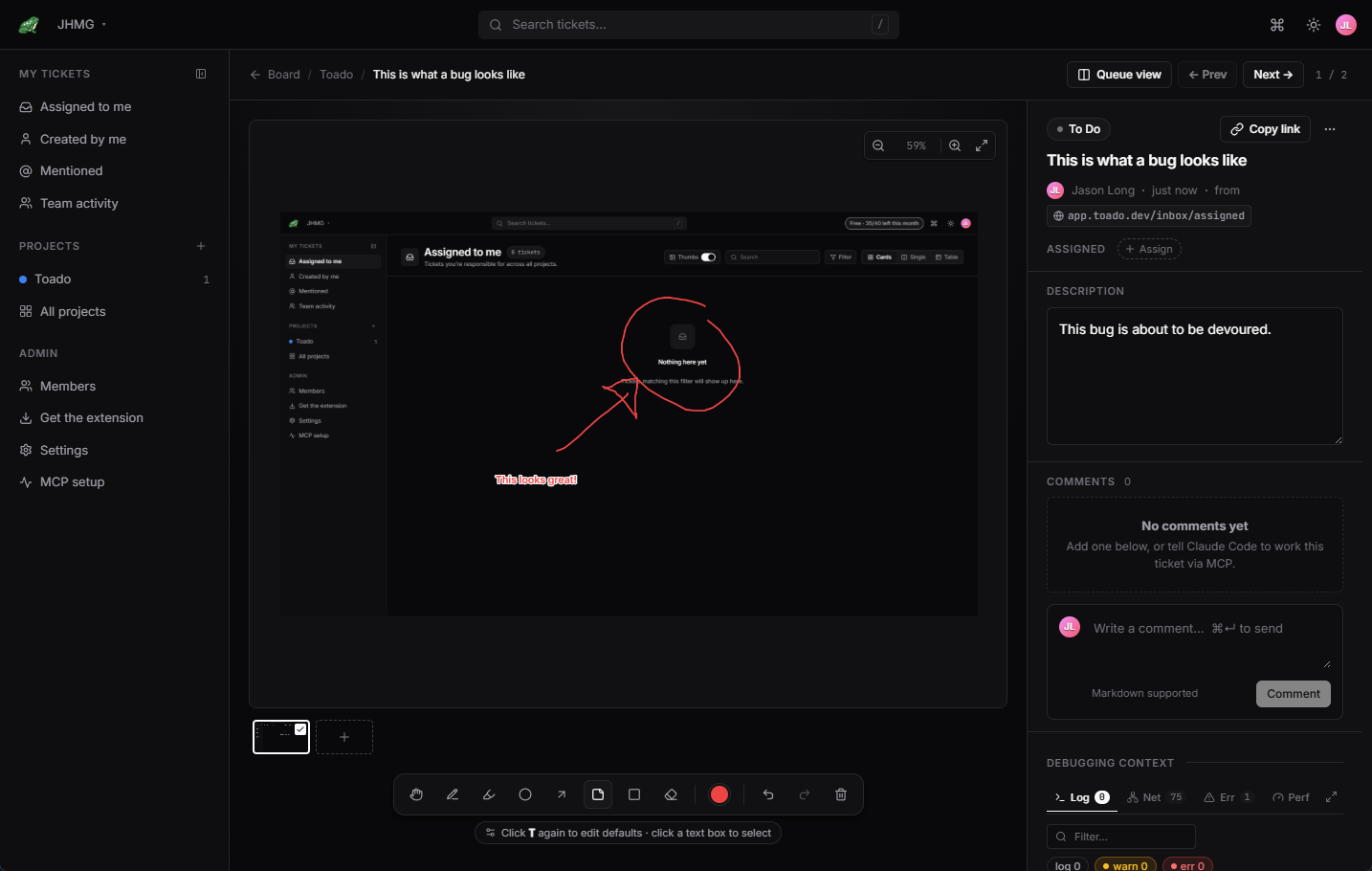
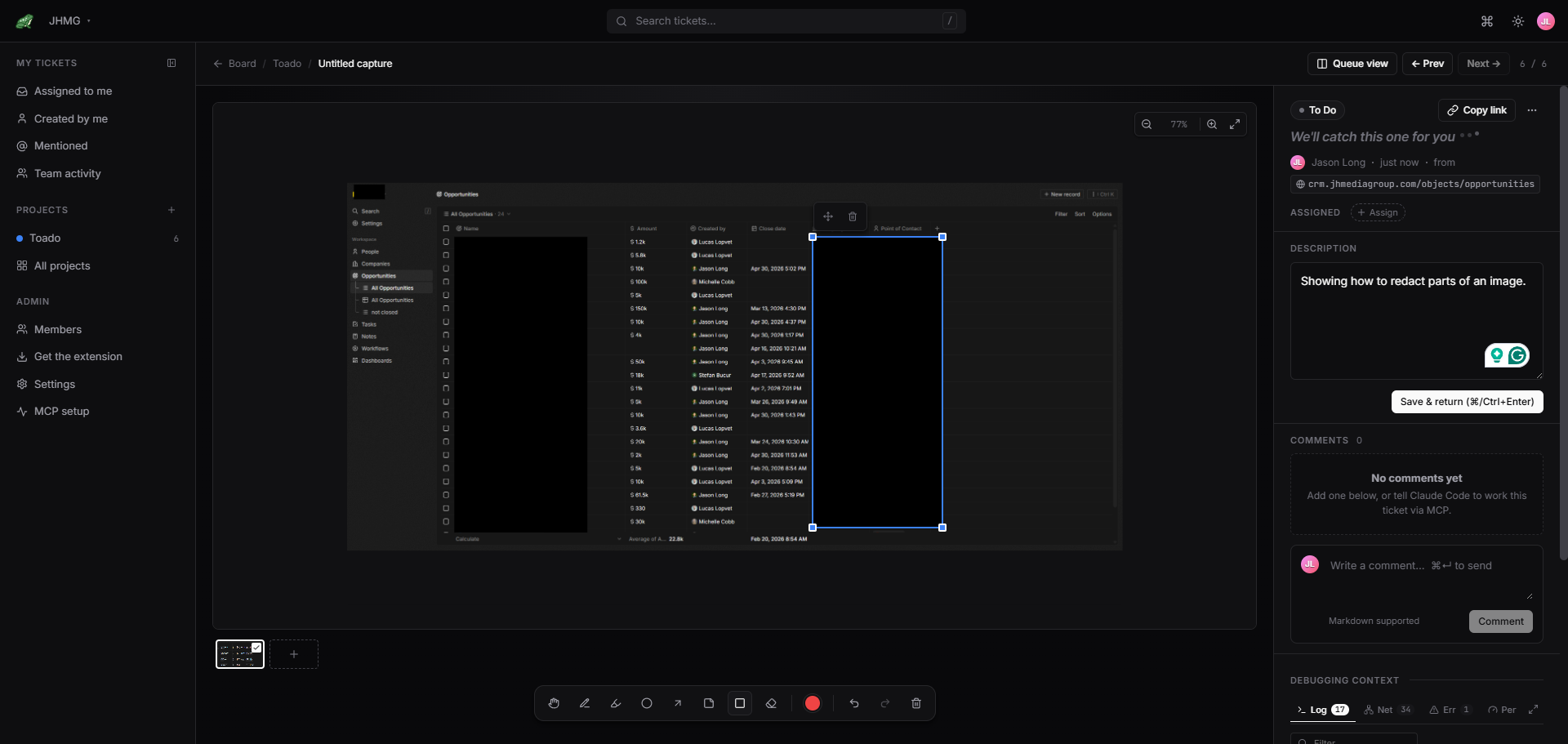
Pen, highlighter, arrows, circles, text, and redaction. Seven-color accessibility-tuned palette. Shapes are stored as vectors, so your agent can read them as coordinates, not just pixels.
See the annotation tools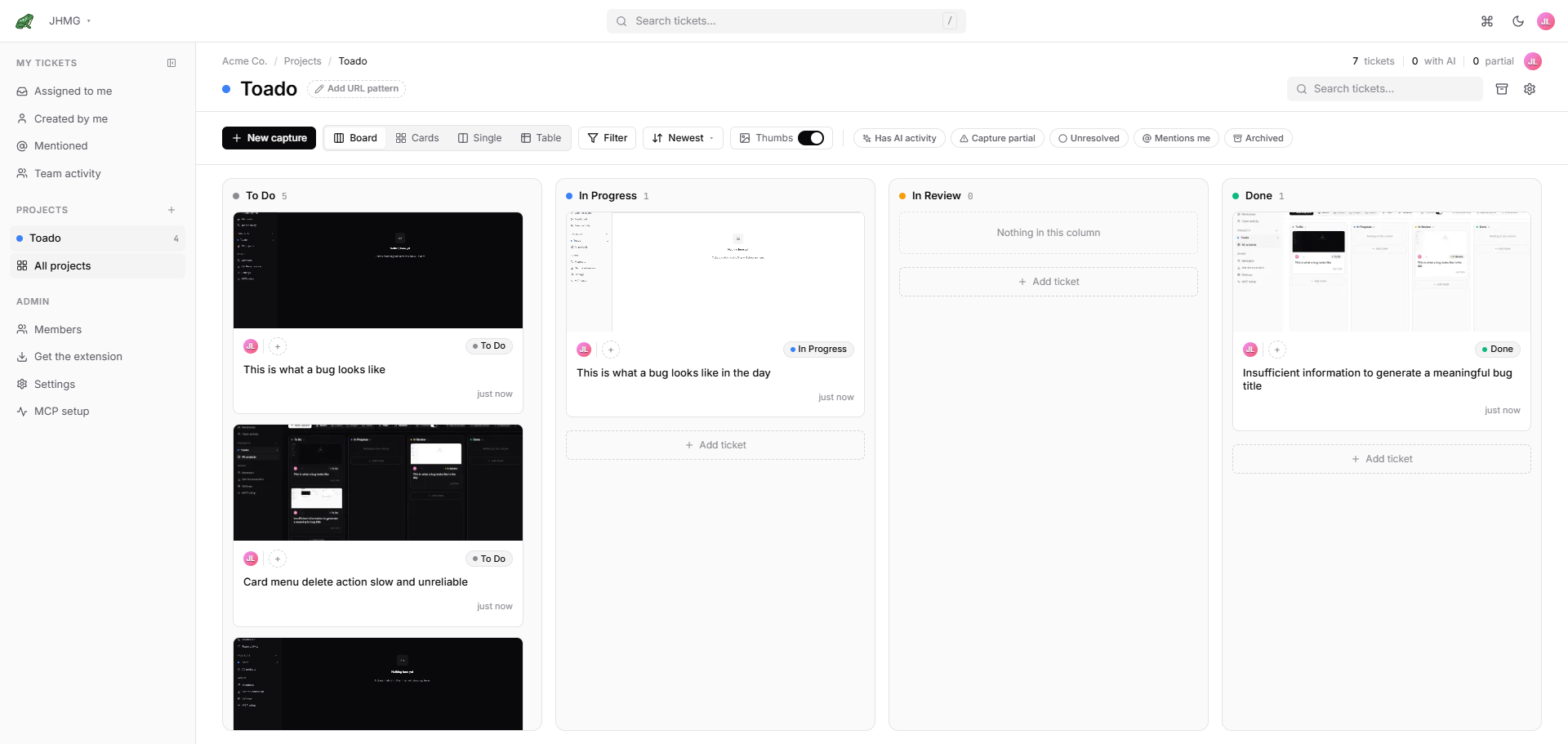
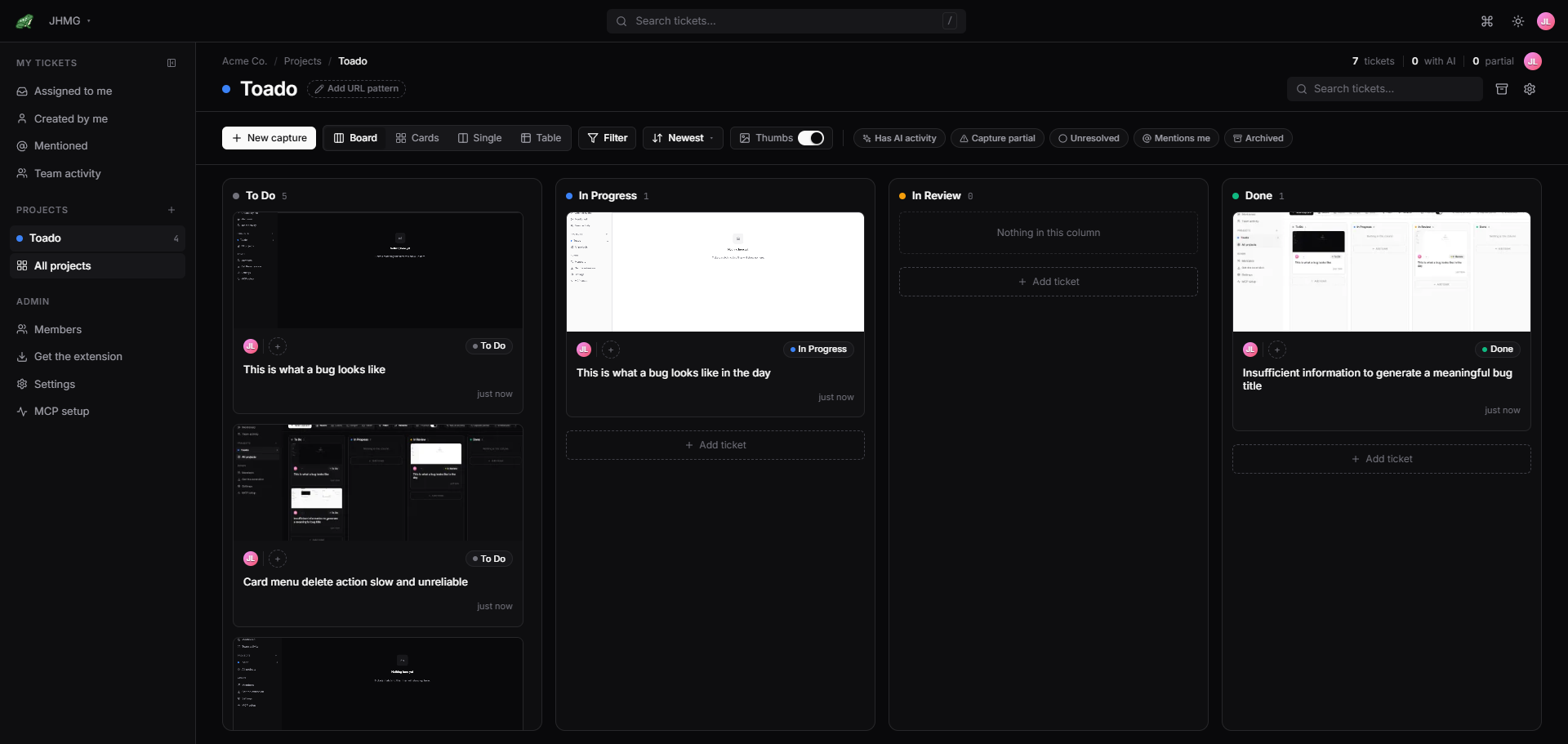
Configurable kanban columns. Real-time updates over WebSocket. @mentions, threaded comments, audit trail. Multiple projects per company, multiple companies per user.
Explore the board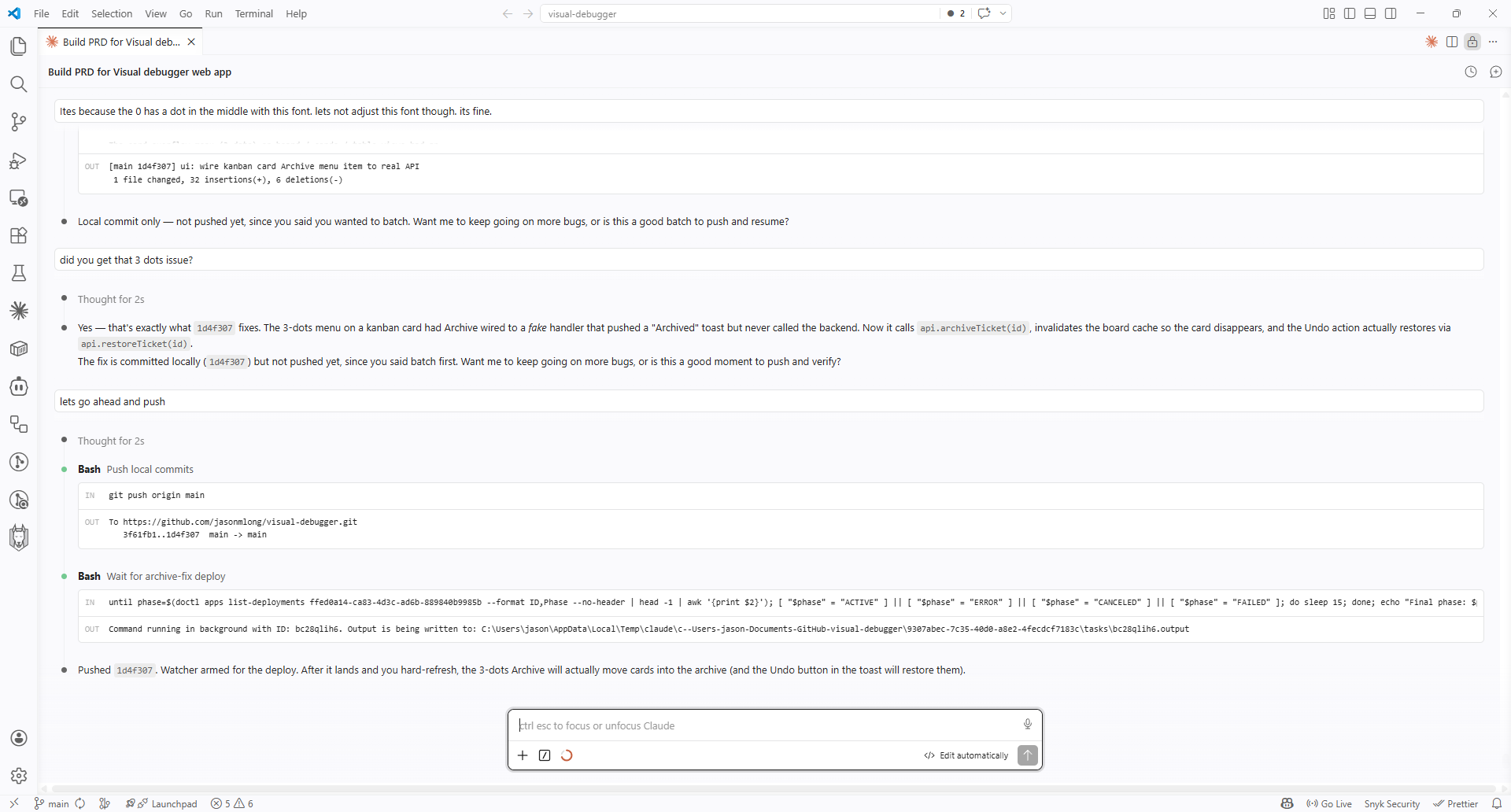
MCP server with 22 tools. Your agent reads the ticket and transcript, pulls the screenshot and clip, reads the console errors, fixes the code, comments, moves the ticket to In Review. Works with Claude Code, Cursor, Cline, and any MCP client.
See the MCP tools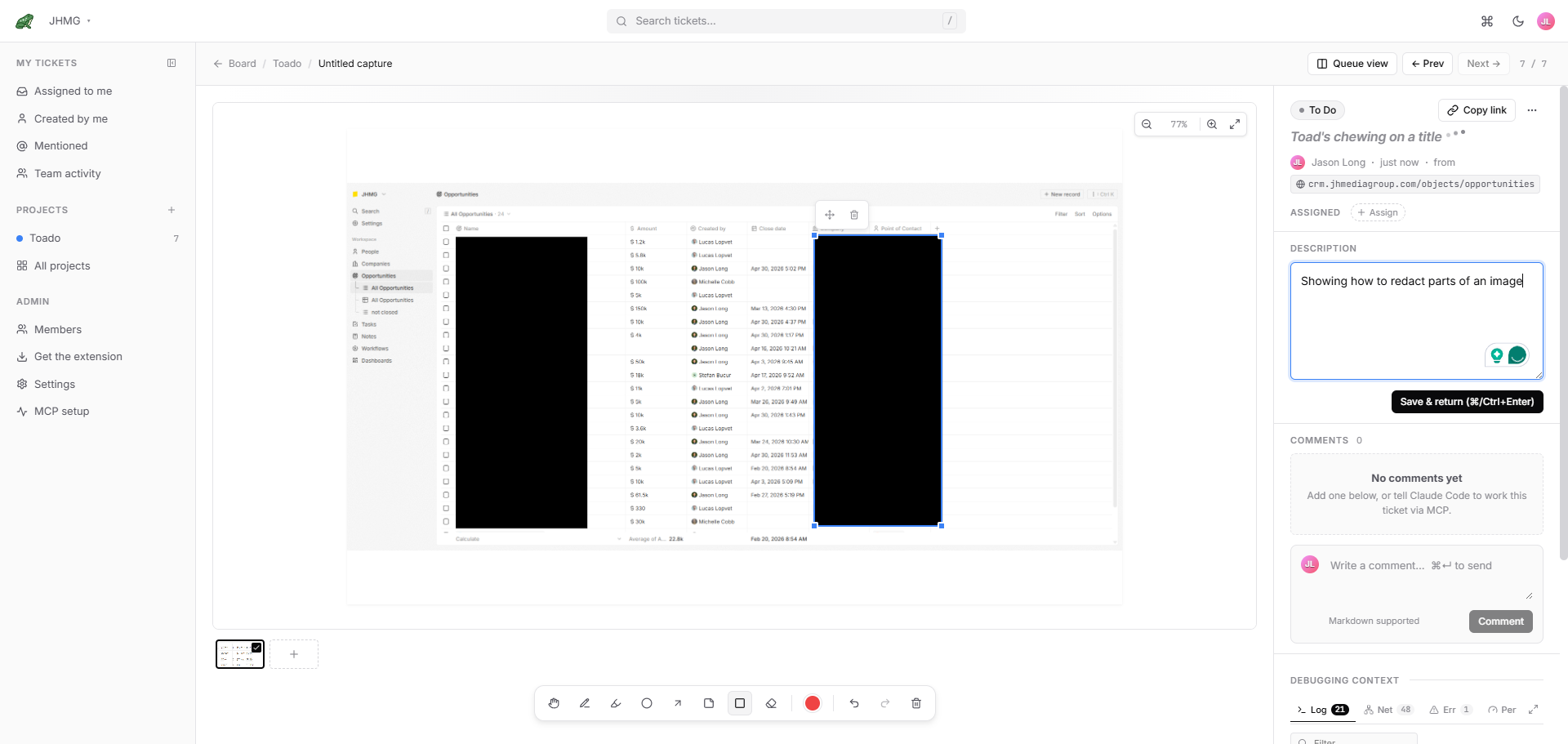
Sensitive headers and credential-style URL parameters get stripped on your local machine before any capture leaves the browser. The same rules re-run server-side as a defense-in-depth check. Region redactions on the screenshot are available in the ticket-page annotation tools.
Privacy details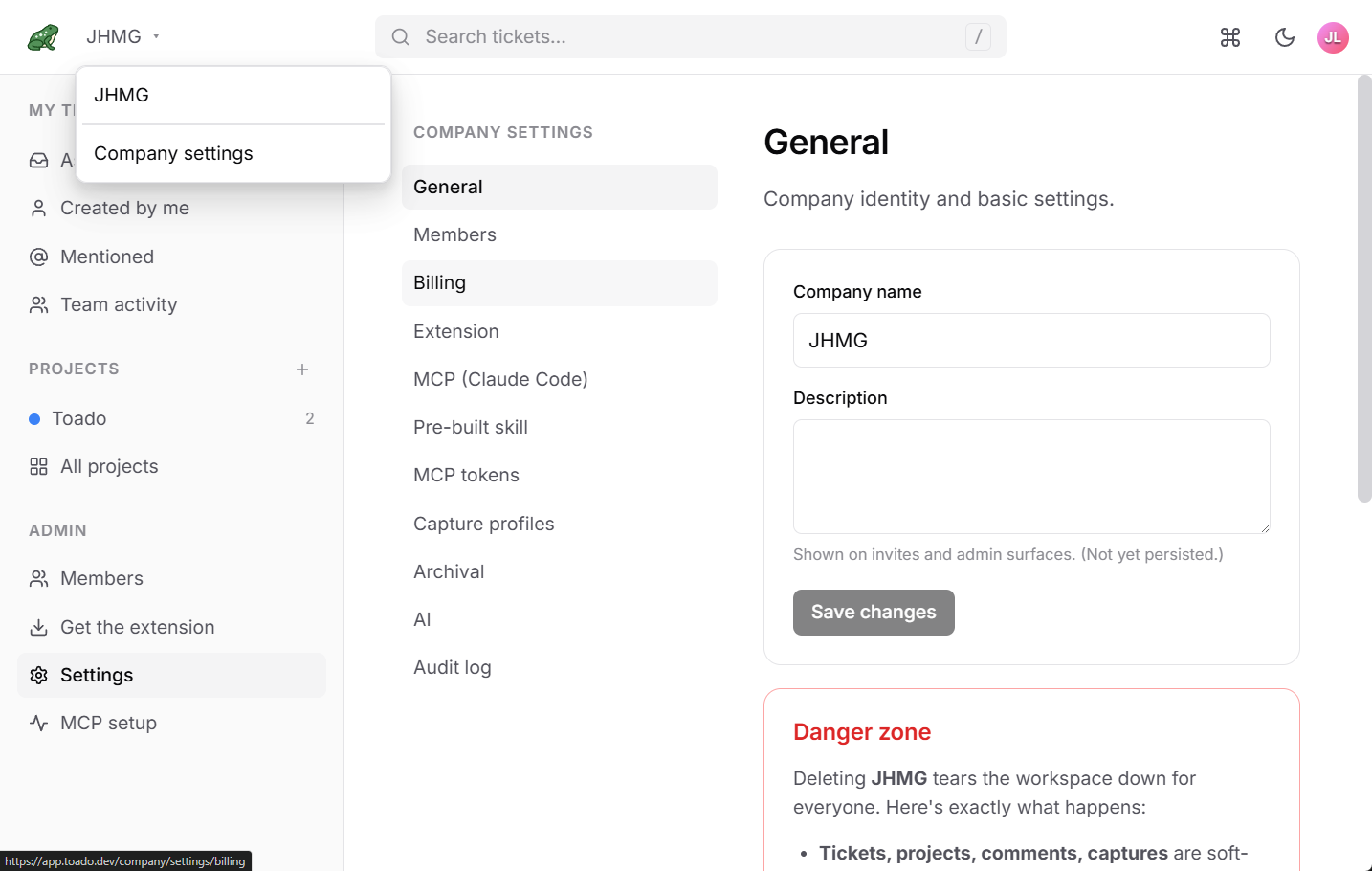
Consultancies and agencies get isolated workspaces per client on a single Toado login. Cascading permissions with project-level overrides for guests and contractors. No accidental cross-client visibility.
Multi-tenant details
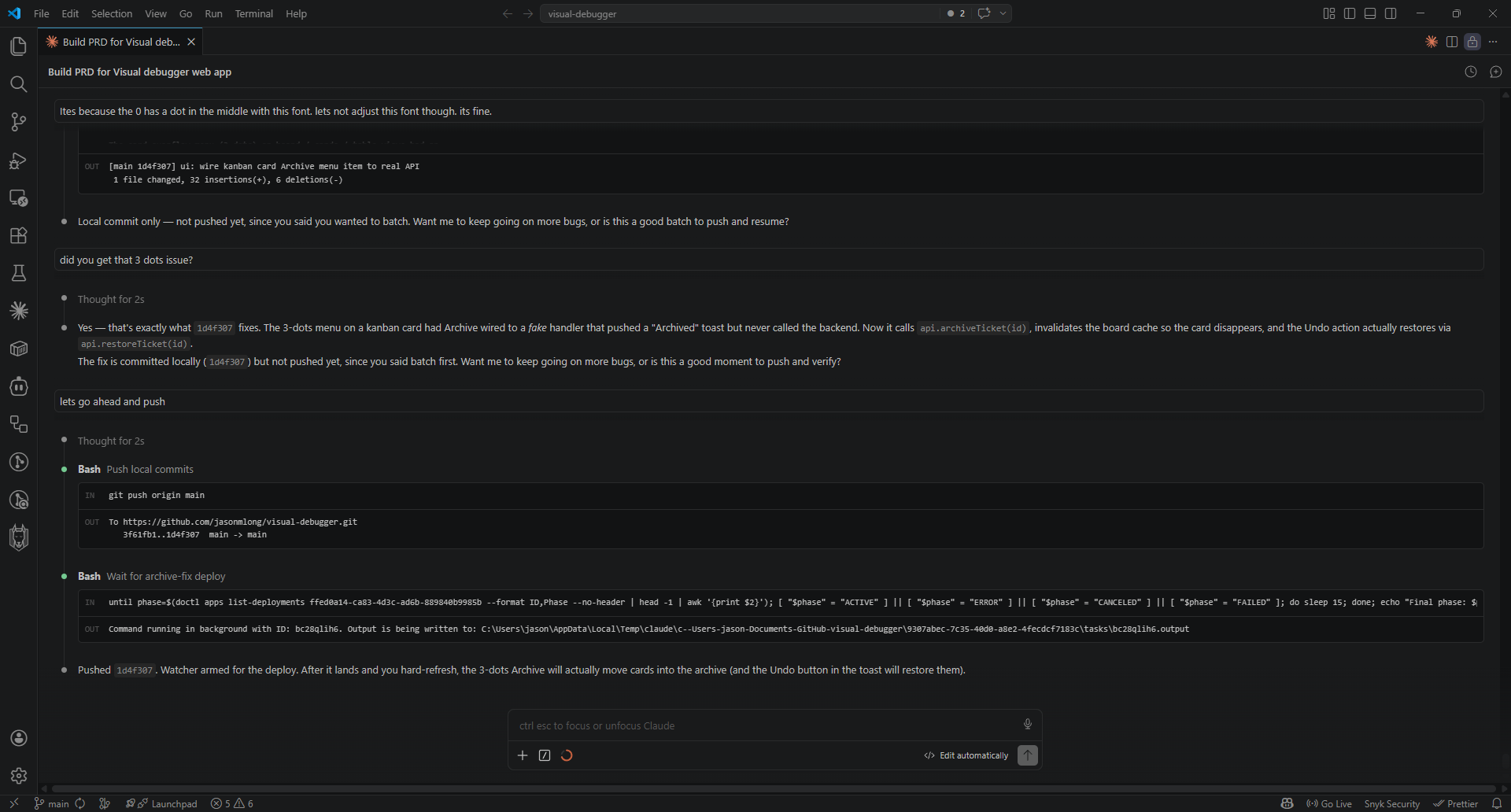
Your agent reads the ticket and its transcript with get_ticket, fetches
the screenshot and walkthrough clip with get_capture_asset, reads the
console errors, opens a branch, writes the fix, comments on the ticket, and moves it
to In Review. You approve.
Rate-limited, audited, Bearer-token auth. The MCP server is open-source. Works with Claude Code, Claude Desktop, Cursor, Cline, Continue, or any MCP-compatible agent.
Read the MCP deep-diveInstall the extension, record a walkthrough of the thing that is bugging you, and let the tickets write themselves. Your first one can be on the board in minutes.